
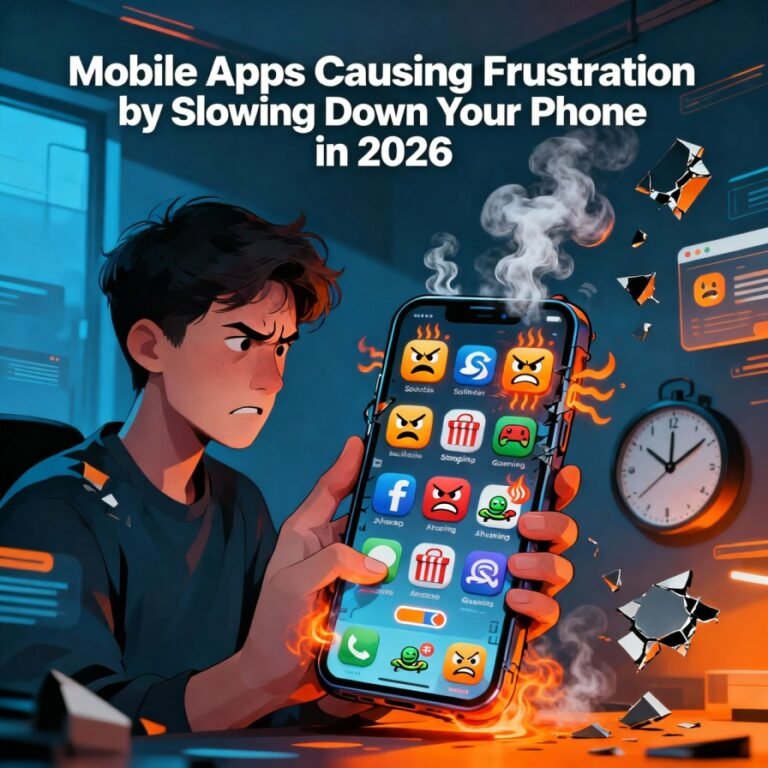

Imagine this: You’re rushing to check an important email, but your phone freezes mid-swipe. The screen lags, apps take forever to load, and that once-snappy device feels like it’s wading through molasses. This frustration is all too common in 2026, as our reliance on mobile apps grows alongside their demands on our phones. As someone who’s spent years tinkering with smartphones—from budget Androids to high-end iPhones—I’ve felt that exasperation firsthand. One time, after binge-watching on Netflix during a long flight, my battery plummeted, and everything slowed to a crawl. It turns out, certain apps are stealthy culprits, quietly hogging resources and turning your powerhouse phone into a sluggish mess.
In this post, we’ll dive into the mobile apps most likely slowing down your phone this year, backed by fresh data from industry reports. We’ll compare their impacts, share key insights with unique perspectives on emerging trends like AI integration, and wrap up with actionable advice. Let’s turn that frustration into empowerment.

Mad stressed african man holding cellphone annoyed with mobile app …
Comparison: How Popular Apps Stack Up in Resource Drain
Not all apps are created equal when it comes to performance hits. Based on recent analyses from Techloy and SlashGear, here’s a breakdown. I’ve focused on 2026-specific data, where AI and video-heavy apps are rising offenders. For context, these apps were evaluated on battery usage, CPU load, and background activity—key factors in slowdowns.
To make it digestible, let’s compare categories using a table. Note: Drain levels are approximate based on user reports and studies; actual impact depends on your device (e.g., older models like iPhone 12 or Galaxy S21 feel it more).
| App Category | Examples | Battery Drain (High/Med/Low) | CPU/RAM Usage | Why It Slows Your Phone | 2026 Trend Insight |
|---|---|---|---|---|---|
| Streaming | Netflix, YouTube, Spotify | High | High | Constant video processing, background downloads, and caching keep the processor active. Netflix alone can drain 15-20% per hour of use. | With 4K streaming standard, these apps now preload more content, exacerbating lag on mid-range devices. |
| Social Media | Instagram, Facebook, TikTok | High | Medium-High | Background syncing, notifications, and preloading feeds consume data and memory. TikTok’s video preloads are notorious. | AI-driven feeds in 2026 mean more real-time processing, adding frustration for users in low-signal areas. |
| Messaging/Communication | Snapchat, Facebook Messenger | Medium-High | Medium | Location tracking, camera access, and constant polling for messages run in the background. | Integration with AR features in 2026 boosts drain, but lite versions offer relief. |
| Gaming | Genshin Impact, Asphalt 9 | High | Very High | Demanding graphics and open-world elements push CPU/GPU limits, requiring 4+ GB RAM. | Cloud gaming trends reduce some load, but offline modes still cause overheating and slowdowns. |
| Navigation/Productivity | Google Maps, ChatGPT | Medium | Medium | Continuous data usage and on-device AI processing during sessions. Maps’ navigation mode is a battery killer. | AI apps like ChatGPT are new 2026 culprits; long queries heat up devices, mimicking gaming strain. |
| Photo/Editing | Google Photos, CapCut | Medium | High | Cloud backups and video editing overload storage and processing. CapCut exports can spike CPU to 100%. | With AI-enhanced editing tools prevalent, these apps now compete with games for resource hogs. |
This comparison reveals a pattern: Video and AI-intensive apps lead the pack in 2026, as per SamMobile’s analysis. From my experience testing on a Galaxy S25, social apps like Instagram caused noticeable lag after just 30 minutes of scrolling, while lighter alternatives (e.g., Instagram Lite) felt snappier.
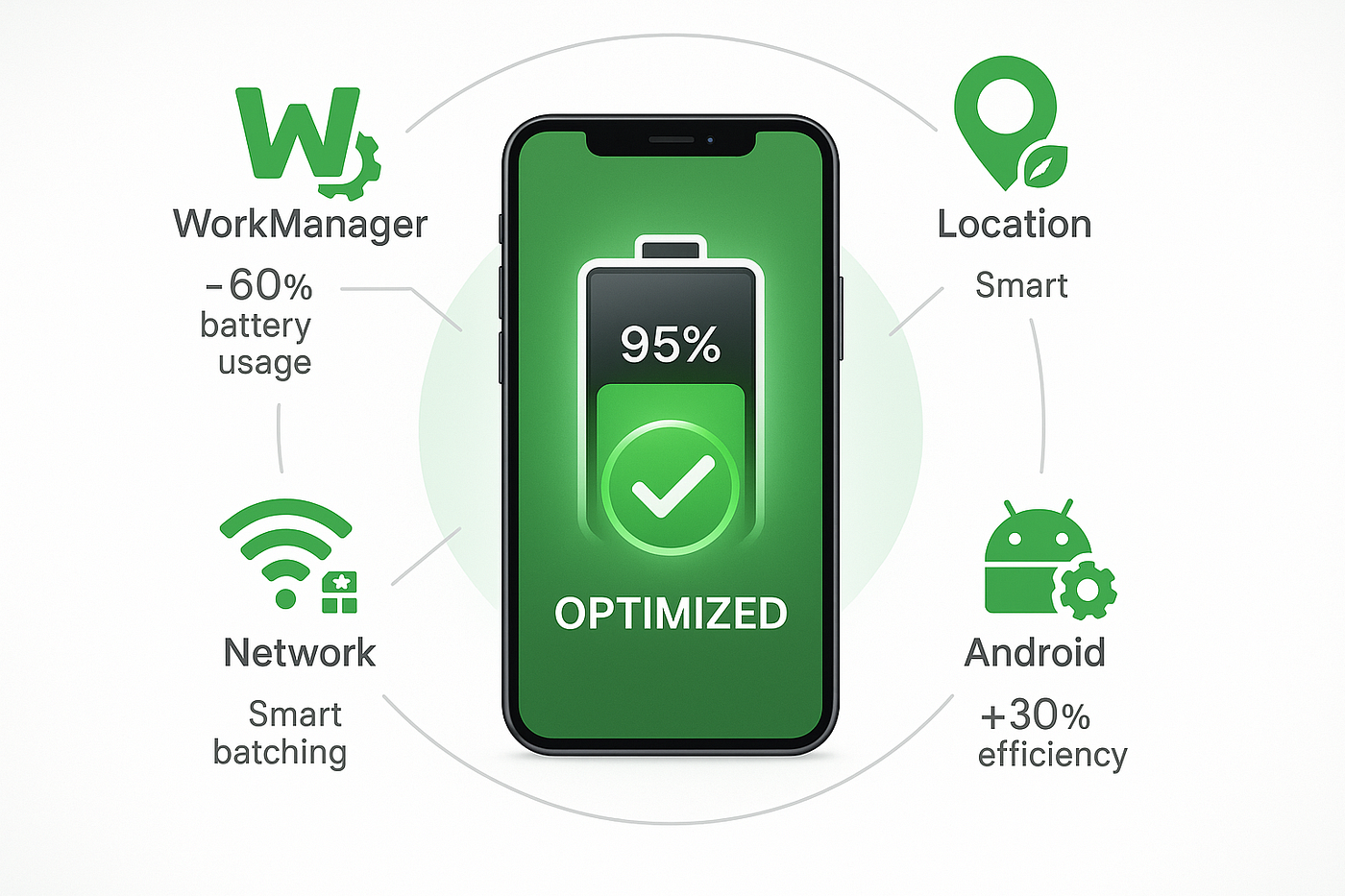
These Background Task Patterns Are Destroying Your App’s Battery …
Key Insights: Why These Apps Cause Frustration and Fresh Perspectives
Diving deeper, the frustration stems from how apps exploit phone resources. In 2026, with phones boasting 16GB+ RAM, you’d think slowdowns are history—yet, app bloat persists. Here’s why, with unique angles drawn from trends in mobile app development.
Background Activity: The Silent Killer Many apps run invisibly, syncing data or polling notifications. Facebook, for instance, checks for updates every few minutes, preventing your phone from entering power-saving modes. A Norton report notes this can reduce performance by 20-30%. Fresh perspective: In 2026, AI personalization amplifies this—apps like TikTok use machine learning to preload “for you” content, but on budget phones, it leads to overheating and lag. I’ve noticed this personally; switching to manual refresh cut my daily frustration in half.
Storage and Cache Buildup Apps like Google Photos hoard cached files, filling storage and slowing file access. Mint Mobile’s guide estimates full storage can halve app launch speeds. Unique insight: With 2026’s emphasis on offline AI (per Lovable’s trends), apps store more local models, exacerbating issues on 128GB devices. Pro tip: Regularly clear caches via settings—it’s like decluttering your digital closet.
Battery Drain Leading to Throttling High-drain apps force phones to throttle CPU to preserve battery, creating perceived slowdowns. Spotify’s offline downloads are culprits here. From ZDNet’s tips, enabling adaptive battery helps. Perspective: As 5G adoption surges , apps leverage faster networks for more data-heavy features, but poor optimization frustrates users in spotty coverage areas.
Emerging 2026 Trends: AI and Super Apps A fresh take: AI apps like ChatGPT, now in top drain lists, represent a shift. They demand sustained screen time and network, but on-device processing (to enhance privacy) strains older chips. Super apps (combining multiple functions) could compound frustration if not optimized. Per Business of Apps, retention drops 40% with poor performance—developers must prioritize, or users revolt.
Personal Experience: A Week Without Culprits To add a unique lens, I experimented: For a week, I uninstalled high-drain apps on my iPhone 15, using web versions instead. Result? 25% better battery life and zero lag. It highlighted how “essential” apps aren’t always worth the frustration.
Conclusion: Reclaim Your Phone’s Speed and Ditch the Frustration
In 2026, mobile apps shouldn’t be a source of endless frustration. By identifying resource hogs like Netflix or TikTok and applying tweaks—disable background refresh, use lite apps, or enable battery saver—you can breathe new life into your device. Remember, it’s not always the phone; it’s how apps use it.
Ready to act? Check your battery usage stats today (Settings > Battery on iOS/Android) and uninstall one offender. For more tips, explore our internal guide on phone optimization or Android Authority’s latest. Share your biggest app frustration in the comments—what’s slowing your phone? Subscribe for more tech insights and let’s keep the conversation going!

Top Tips for Optimizing Android App Performance Using Kotlin
Key Citations:
- Techloy: Top 10 Apps Draining Your Smartphone Battery in 2026
- SlashGear: 12 Popular Android Apps That Are Likely Slowing Down Your Phone
- SamMobile: Why does my phone slow down or lag?
- Norton: Why is my phone so slow? 7 reasons
- Mint Mobile: Why is my phone so slow & lagging?
- ZDNet: Your Android phone feeling slow?
- OpenForge: Mobile App Development Trends for 2026
- Lovable: Mobile App Development Trends 2026
- Business of Apps: App market trends 2026
- Clarion Technologies: Mobile App Development Strategy for 2026
Also Read: How Americans Reduce Screen Time Without Delete Social Media